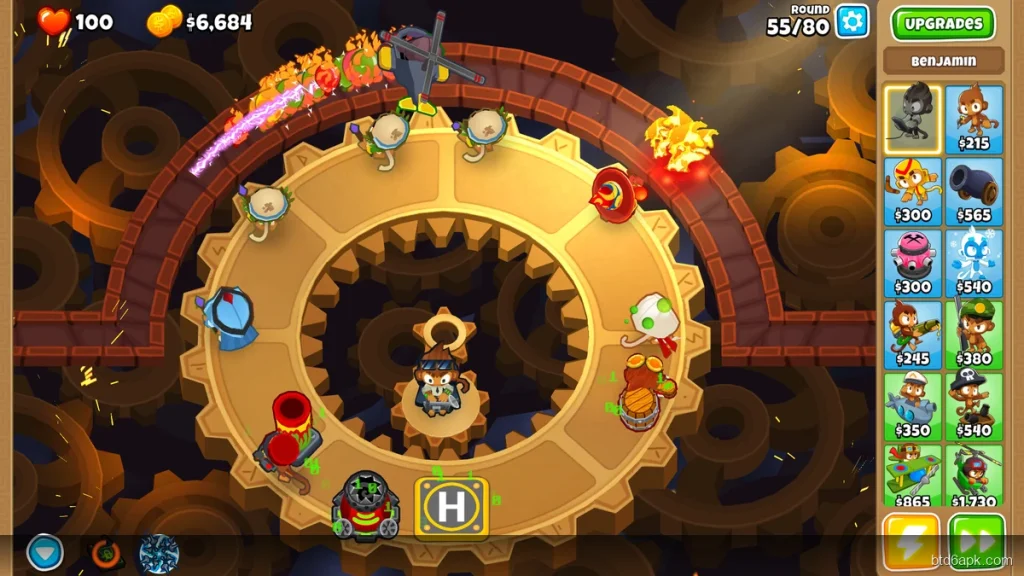
Bloons TD 6 is available on Android, iOS, PC (Steam), and console. Most players pick one platform and never look at the others — but the platform you play on genuinely affects your experience. The controls are different, the performance ceiling is different, and the price structure is different. In 2026, both Android and PC versions are fully updated and content-equal, so the choice comes down to your hardware and how you actually want to play.
BTD6 Android vs PC — Key Differences at a Glance
| Factor | BTD6 Android | BTD6 PC (Steam) |
|---|---|---|
| Price | Free (with in-app purchases) or paid | $9.99 USD (one-time purchase) |
| Controls | Touch — tap to place, pinch to zoom | Mouse + keyboard — precise placement |
| Screen size | Phone or tablet (4–13 inches) | Monitor (24+ inches typical) |
| Performance (late game) | 60 FPS on mid-range+, drops on low-end | Consistent 60–144 FPS on any gaming PC |
| Portability | Play anywhere | Requires PC setup |
| Content | Identical — same patches as PC | Identical — simultaneous updates |
| Co-op | Cross-platform with PC players | Cross-platform with Android players |
| Mods | Limited (unofficial APK mods) | Steam Workshop supported |
BTD6 Android Version — Pros and Cons
Advantages of BTD6 on Android
- Portability: Play on the commute, in bed, during lunch. Bloons TD 6 is genuinely well-suited for mobile because rounds are self-contained — you can pause and resume without losing progress.
- Lower entry cost: The Android version is cheaper than the Steam version in most regions. You can download the Bloons TD 6 APK directly and start without a PC.
- Touch controls work well: BTD6’s tower placement system was designed for touch first. Tapping to place towers and swiping to pan the map feels natural once you’ve played for a few hours.
- Notification-based events: BTD6 on Android sends push notifications for daily challenges, boss events, and Odyssey starts. If you play around event schedules, Android is better for staying on top of limited-time content.
Disadvantages of BTD6 on Android
- Late-game lag on older hardware: Rounds 80–100 with heavy tower builds push even mid-range Android phones. Our BTD6 lag fix guide covers the specific settings to fix this, but the problem is real on devices older than 2021–2022.
- Smaller screen limits strategic overview: BTD6 maps on a 6-inch phone don’t show the full path at once. You’re constantly panning and zooming — which matters less on shorter maps but is noticeable on Expert maps.
- No Steam Workshop: PC players access community-made maps and challenges through Steam Workshop. Android players don’t have an equivalent in 2026.
BTD6 PC (Steam) Version — Pros and Cons
Advantages of BTD6 on PC
- Superior performance: Even a mid-range gaming PC handles BTD6 round 100+ at 60 FPS with no frame drops. The performance ceiling simply doesn’t exist on PC the way it does on mobile.
- Better visibility: On a 24-inch monitor, you see the entire map simultaneously. Tower placement, bloon tracking, and ability timing all improve when you’re not panning around a phone screen.
- Precision placement: Mouse-click placement is more accurate than touch, particularly for towers that need exact positioning relative to path curves.
- Steam Workshop: Community maps, custom challenges, and player-made content are exclusive to the Steam version in 2026.
Disadvantages of BTD6 on PC
- Higher price: $9.99 USD vs. the Android version’s lower entry cost. Not significant for most players but relevant if you’re deciding between platforms.
- No portability: BTD6 on PC requires you to be at your desk. For casual play between tasks, Android wins by default.
- Setup required: Downloading through Steam, managing updates, and the general overhead of PC gaming doesn’t apply to mobile.
BTD6 Android vs PC — Performance Comparison
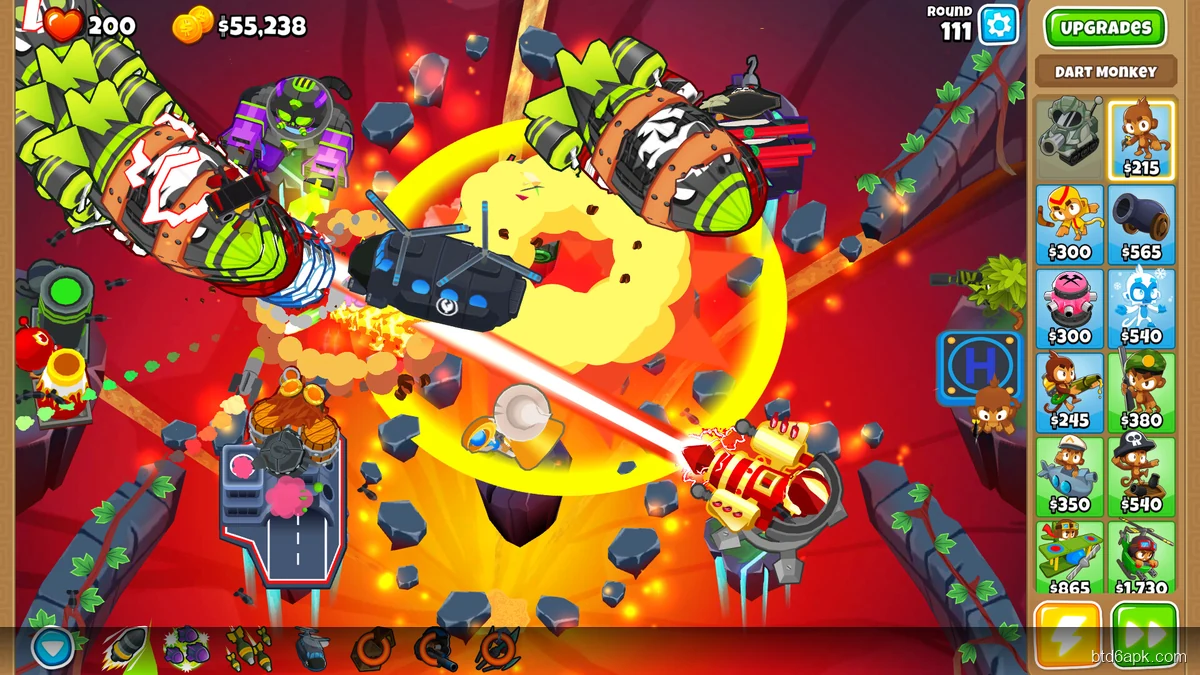
Performance in BTD6 scales with hardware, not platform. On equivalent hardware budgets, here’s how they compare in 2026:
- Budget tier (Android under $200 / PC integrated graphics): Both struggle in late-game rounds. Android low-end devices drop to 20–30 FPS at round 80+. Budget PC with integrated graphics performs similarly. Neither is ideal for competitive or freeplay runs.
- Mid-range tier (Android $200–400 / PC dedicated GPU): Android mid-range (Snapdragon 720G+ or Dimensity 810+) handles BTD6 at consistent 60 FPS through round 100. PC with a GTX 1660 or equivalent handles it at 60–144 FPS with headroom. PC wins here but mid-range Android is good enough.
- High-end tier: Both run BTD6 flawlessly. No meaningful performance difference at this level.
If late-game lag is your only reason for considering a switch to PC, try the Android lag fixes first. Most Android players running mid-range hardware in 2026 can resolve the issue with settings changes.
BTD6 Android vs PC — Content and Update Parity
As of 2026, BTD6 Android and PC receive simultaneous updates. When Ninja Kiwi releases a new hero, map, or game mode, both platforms get it on the same day. There is no content gap between Android and PC in 2026 — this was a concern in earlier years but hasn’t been an issue since around version 30.
The one exception: Steam Workshop content (community maps, custom challenges) is PC-exclusive. Android players don’t have access to Workshop content.
BTD6 Android vs PC — Which Should You Play?
Play BTD6 on Android if:
- You want to play while commuting, traveling, or away from a desk
- You have a mid-range or better Android phone from 2021 or newer
- You prefer touch controls and a casual pick-up-and-play experience
Play BTD6 on PC if:
- You play long sessions (2+ hours) and want a larger screen
- You run CHIMPS, Expert maps, or high-round freeplay regularly
- You want access to Steam Workshop community content
- Your Android device is older or low-end and experiences late-game lag
BTD6 APK vs Play Store Version — Is There a Performance Difference?
No. The Bloons TD 6 APK downloaded directly runs on the same engine as the Play Store version. There’s no performance difference — same APK, same build, same engine. The APK version lets you install specific versions of BTD6, which can be useful if a recent update introduced performance issues on your specific device.
For installation help on any Android device, our BTD6 APK not installing fixes covers the common issues that come up with both the Play Store and direct APK installs.
Frequently Asked Questions
Is BTD6 better on Android or PC?
PC offers higher resolution graphics, precision mouse clicks, and mod support. Android has portable play and native touch controls. For high-level competitive play, PC is preferred.
Can Android and PC players play BTD6 co-op together?
Yes — BTD6 cross-platform co-op works between Android, iOS, Steam, and Epic Games versions. All platforms connect to the same servers.
Does BTD6 sync progress between Android and PC?
Yes — logging into a Ninja Kiwi account syncs Monkey Money, trophies, unlocked heroes, and tower progress across all platforms automatically.
Is the BTD6 APK the same game as the Play Store version?
Yes — the APK is the exact same game package as the Play Store version. All features, content, and game data are identical.